Cart is empty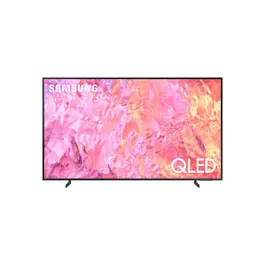
SAMSUNG 55 QLED TV QA55Q60CAUXZN
- 100% Color Volume with Quantum Dot
- Quantum HDR
- AirSlim
-
ProductQLED
-
Series6
-
Display55″
-
Refresh Rate50Hz
Brilliant, long lasting color with Quantum Dot
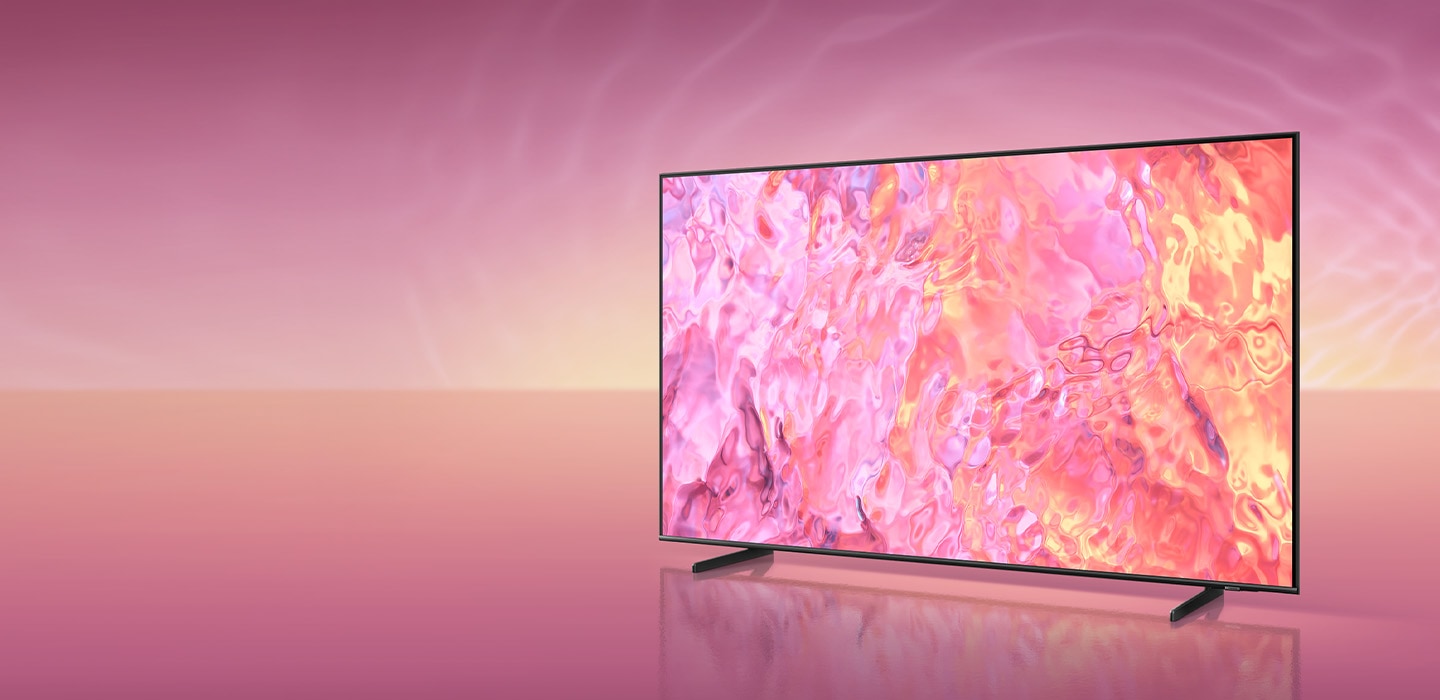
A billion shades of color with Quantum Dot

100% Color Volume with Quantum Dot
A billion shades of color with Quantum Dot
Quantum Dot takes light and turns it into breathtaking color that stays true at any level of brightness to deliver our finest picture ever.



A woman is spitting out water in the pool. All the colors in the image become vivid as the brightness level increases. VDE tested logo is on display.
DCI-P3 standard, certified by VDE.
Quantum HDR
Wider range of contrast in cinematic scale
Fully enjoy every image with details that pop. Dynamic tone mapping of HDR10+ creates deeper blacks and vibrant imagery that always shines through.



The sun is setting over a wide field with emphasis on a large hay stack. The scene after applying HDR 10+ ADAPTIVE/GAMING technology is much brighter and crisper than the SDR version.
AirSlim
Sleek and slim, more than ever
The mind-blowing slim design of your TV blends seamlessly into the wall like you’ve never seen before.


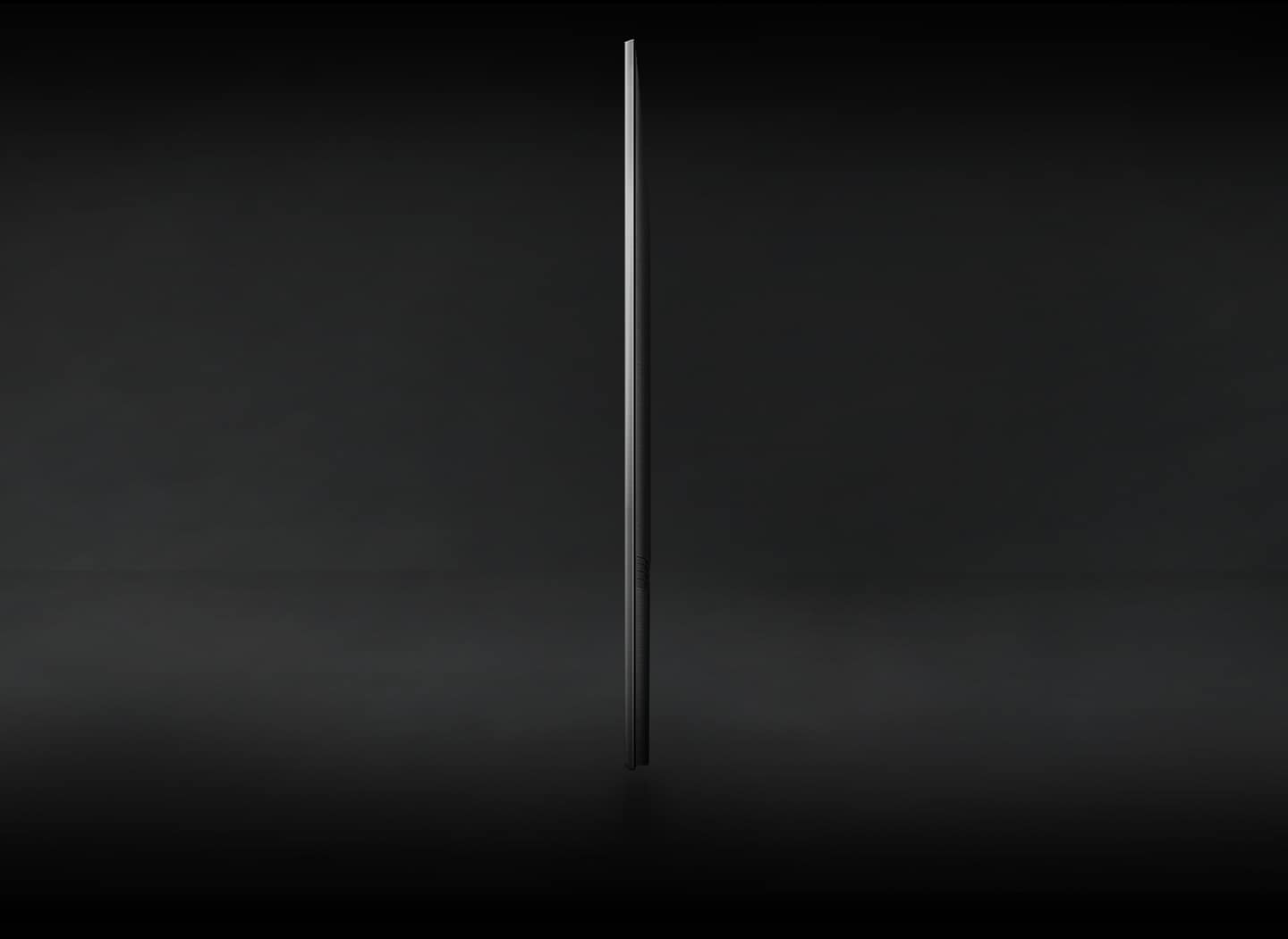
Profile view of QLED TV is on display to shows its ultra slim design.
Smart Hub
Discover your favorite content in one place
Optimize content curation and discovery, so you spend less time searching and more time streaming movies, games and shows you love.



Picture Quality

Quantum Processor Lite 4K
A smarter, faster 4K processor
Powerful processor that optimizes sound to viewing condition. 4K upscaling ensures you get up to 4K resolution for the content you love.
* Viewing experience may vary according to types of content and format.
** Upscaling may not apply to PC connection and Game Mode.


Sound

Virtual sound that tracks the action
A 3D surround sound with our virtual top channel audio will allow you to be fully immersed in the audio experience.

Why Samsung TV

AI Energy Mode
AI Energy Mode
Energy savings with AI Energy mode and SmartThings
With AI Energy Mode, you can conserve power and track your savings. Surrounding light levels are automatically detected and analyzed to adjust the brightness, reducing overall power consumption.
* AI Energy Mode is exclusive to 2023 new models of CU7000↑ and 32″ LS03C. The actual power reduction may vary by model and is based on internal testing. It is supported only in certain regions. The SmartThings app is required to utilize AI Energy Mode. Please note that AI Energy Mode does not support Game, Intelligent, Art, Screen Mirroring, Ambient or Retail Mode. For NA, LATAM, KR, SE Asia, SW Asia: In environments where the surrounding light exceeds 120 lux, certain aspects of the AI energy-saving feature may not function, resulting in reduced energy savings. For EU, CIS, Africa: In environments where the surrounding light exceeds 80 lux, certain aspects of the AI energy-saving feature may not function, resulting in reduced energy savings. Energy saving rate may vary according to regions, models, sizes, viewing conditions or types of content.


Design

SolarCell Remote
Easier control, greener future
Say goodbye to disposable batteries with the eco-friendly SolarCell Remote that’s equipped with a solar panel on the back.
* To charge the remote with solar energy, set the TV remote down with the solar panel facing up.
** Place it in your living room while your lights are turned on, or you can place it near a window where it will soak in natural sunlight.

Gaming Experience

Motion Xcelerator
Smooth motion for a clear picture
Experience clear picture and performance with Motion Xcelerator that automatically estimates and compensates frames for the source of contents.
Smart Features

SmartThings
Your best home butler
Relax and let SmartThings seamlessly connect to, monitor and control all your smart devices to intuitively control your home via a built-in hub.
* Available technology, functions and features may vary by country, service provider, network environment or product, and are subject to change without notice.
** Requires a Wi-Fi, Bluetooth or other wireless network connection and login to Samsung account.
*** Connected devices are sold separately.
**** Use of calm technology requires agreement from both SmartThings privacy notice and auto registered device.
***** UI is subject to change without prior notice.


Specifications
Related Products